

Intersection Observer
Exploring Intersection Observer in JavaScript!
What is Intersection Observer? 🤔
It's a JavaScript API that allows you to asynchronously observe changes in the intersection of a target element with an ancestor element or the viewport.
Why do we need it in real life? 🌟
Intersection Observer helps us build more efficient and performant web applications by providing a way to track when elements become visible or invisible on the page without the need for continuous polling.
Syntax and Parameters: 📝
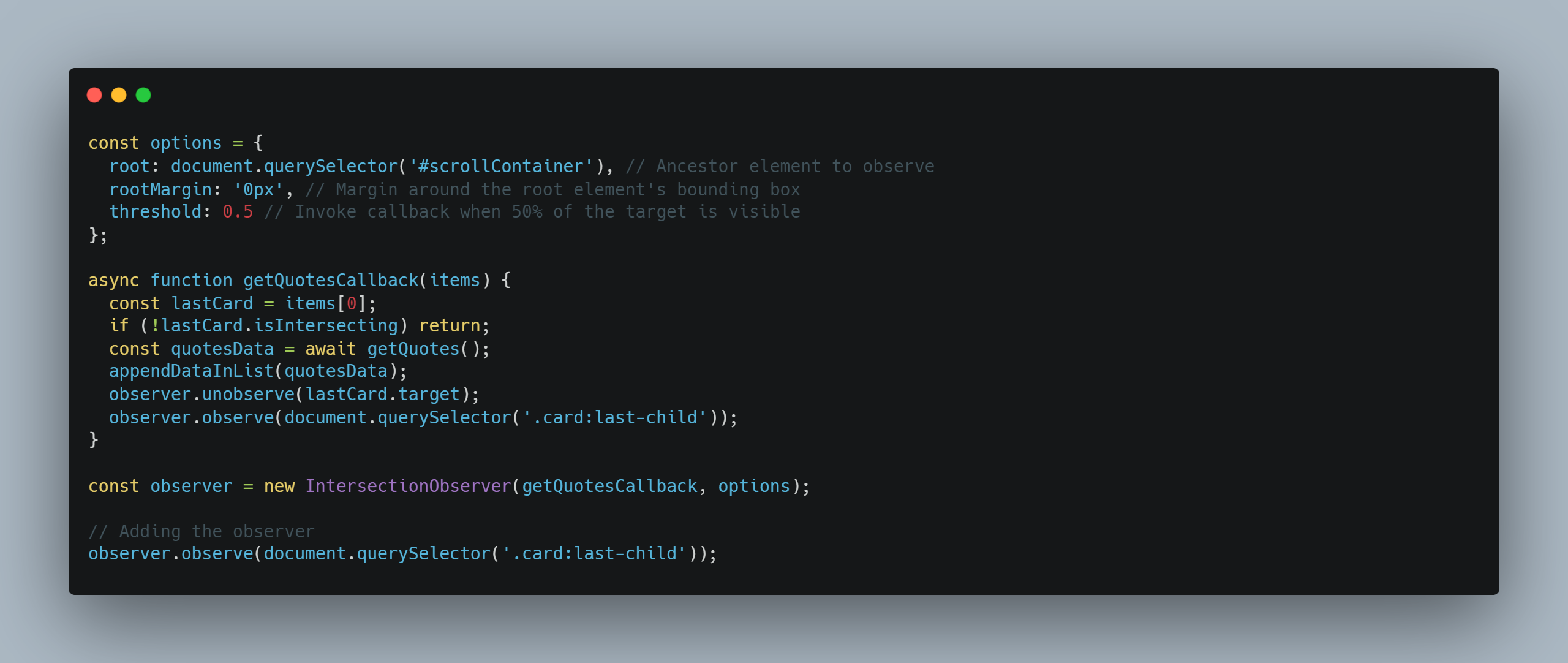
The Intersection Observer constructor takes in a callback function as well as an options object that specifies the thresholds and root element for observing.
Parameters:
⏭️ callback: A function to be called whenever the visibility of the target element changes.
⏭️ options: An object specifying configuration options such as root, rootMargin, and threshold.
Options object Properties:
⏭️root (optional): Specifies the element used as the viewport for checking visibility.
⏭️rootMargin (optional): Defines a margin around the root element's bounding box.
⏭️threshold (optional): Sets thresholds at which the callback will be invoked.
Real-life application: 🚀
➡️Lazy loading images.
➡️Detect if an element is in the viewport or not.
➡️Auto-play a video if in the viewport, otherwise pause the video.
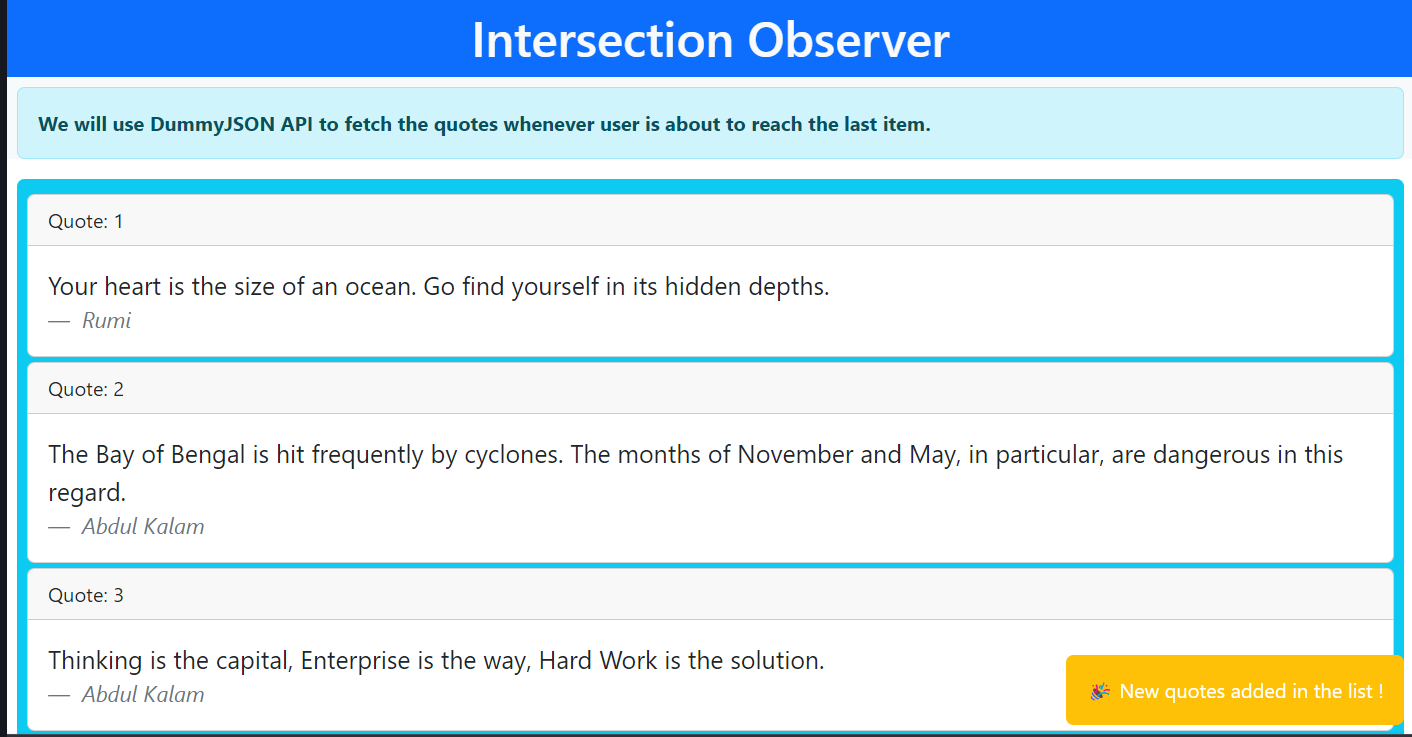
➡️Infinite scrolling.
Live Demo 🎦
Thank you for taking the time to read my blog post! I hope you found it informative. If you're interested in more tech-related content, be sure to follow me on
🔗 Linkedin 🔗 Hashnode. I look forward to sharing more with you soon!
About the author
Hello, I'm a Frontend engineer with a passion for learning new tech, writing blogs, and sharing my knowledge with others.
Apart from coding, I love staying up-to-date with the latest trends and tools in the tech industry. I'm always learning and exploring new technologies and techniques to improve my work and create more efficient and scalable solutions.
I enjoy sharing my knowledge with others through writing blogs and creating courses. Recently, I created a course for Educative on React.
As a freelancer, I'm seeking projects related to Shopify and React. I enjoy working on projects that challenge me and help me grow as a developer.
Comments
Join the discussionNo comments yet. Be the first to comment.


